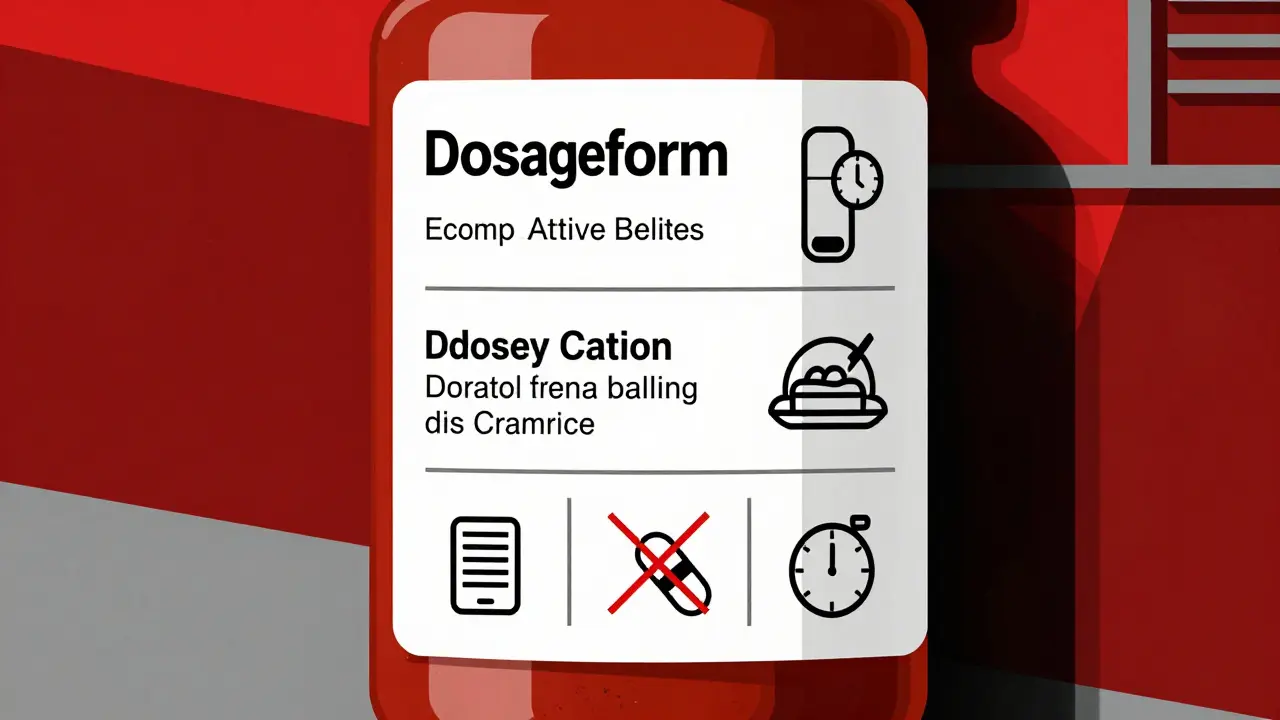
Every pill bottle you pick up has more information than just a name and number. The tiny print on your prescription label holds the key to taking your meds safely and on time. If you’re using a simple alarm app to remind you to take your medicine, you’re probably missing critical details that could affect your health. Medication labels aren’t just for pharmacy staff-they’re your personal instruction manual, and learning how to read them properly can cut your risk of errors by more than half.
What’s Really on Your Prescription Label?
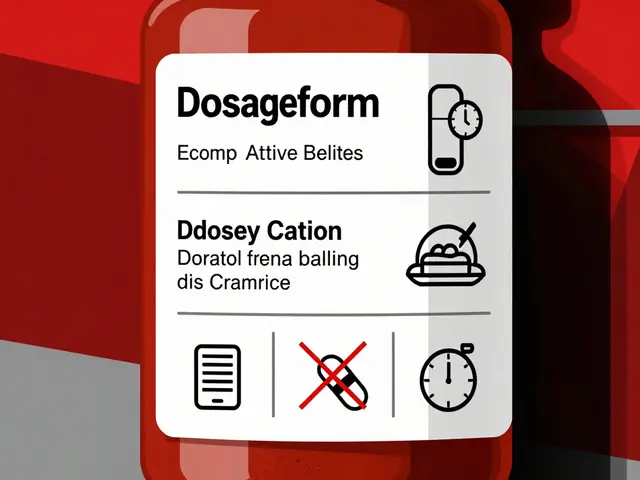
Your label isn’t random text. It’s built around FDA guidelines that require specific details to keep you safe. Look for these six key pieces of information:
- Dosage form-Is it a tablet, capsule, liquid, or patch? This affects how you take it and whether it can be split or crushed.
- Active ingredient and strength-Not just the brand name. For example, “Lisinopril 10 mg” tells you exactly how much is in each dose.
- Usage instructions-Phrases like “take one tablet every 8 hours” or “take twice daily” are not suggestions. They’re medical requirements.
- Food interactions-“Take on an empty stomach” or “take with food” changes how your body absorbs the drug. Skipping this can make it less effective-or more dangerous.
- Minimum interval between doses-Some meds can’t be taken closer than 6 or 12 hours apart. Taking them too soon can lead to overdose.
- Drug interaction warnings-If your label says “Avoid antacids within 2 hours,” that’s not a suggestion. It’s a safety rule.
According to a 2023 NIH analysis, 78.3% of timing-related medication errors happen because people ignore these details. You might think “every 8 hours” means 8 AM, 4 PM, and midnight. But if you’re on a blood thinner like warfarin, taking it at midnight could interfere with lab tests or increase bleeding risk. That’s why your reminder system needs to know the full label-not just the time.
Why Basic Alarm Apps Fail
Most free reminder apps just beep at set times. They don’t care if your label says “take with food” or “don’t take within 2 hours of calcium.” They treat every pill the same. That’s dangerous.
A 2024 study in the Journal of Medical Systems compared 12 popular apps. The ones that ignored label info-like basic alarm apps-had 63.2% more timing errors than apps that read the label. One user on Reddit shared that their app kept reminding them to take an antibiotic at 2 AM, even though the label said “do not take past 10 PM.” They missed doses because the app didn’t understand the constraint.
Worse, systems that ignore label-based intervals contribute to 37.8% of overdose incidents in people taking multiple medications, according to FDA data. If you’re on five different pills, and none of your apps check for interactions, you might accidentally double up on a drug that slows your heart rate. That’s not a mistake-it’s a preventable emergency.
How Smart Systems Use Label Data
The best medication reminder tools don’t just remind you-they interpret. Systems like Medisafe and MyTherapy use optical character recognition (OCR) to scan your label, then pull data from drug databases with over 150,000 medications and nearly half a million interaction rules.
Here’s how it works:
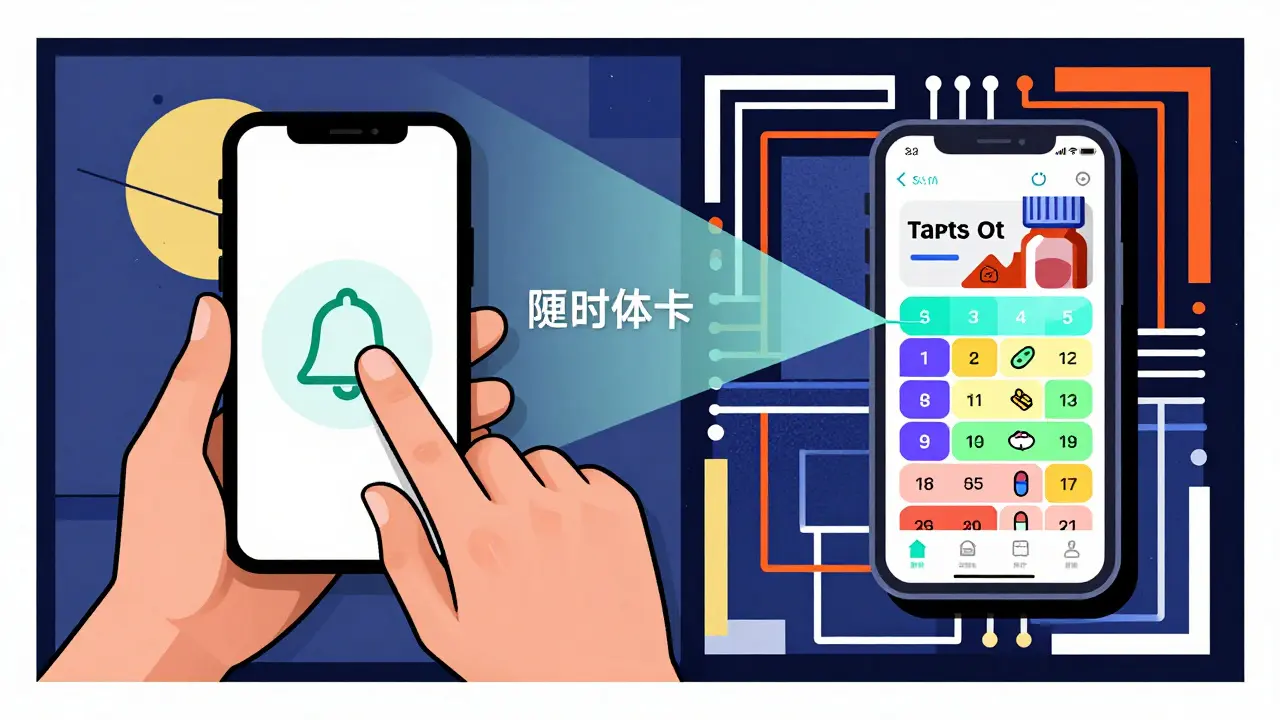
- The app reads your label using your phone’s camera.
- It converts text like “take one tablet every 12 hours” into a schedule with exact time windows.
- It checks your other meds and adjusts for interactions-for example, pushing back your blood pressure pill by 30 minutes if it conflicts with your cholesterol med.
- It translates medical terms into plain language: “Take with food” becomes “Take after breakfast or dinner.”
- It flags risky combinations you might not know about, like how grapefruit can make some statins dangerous.
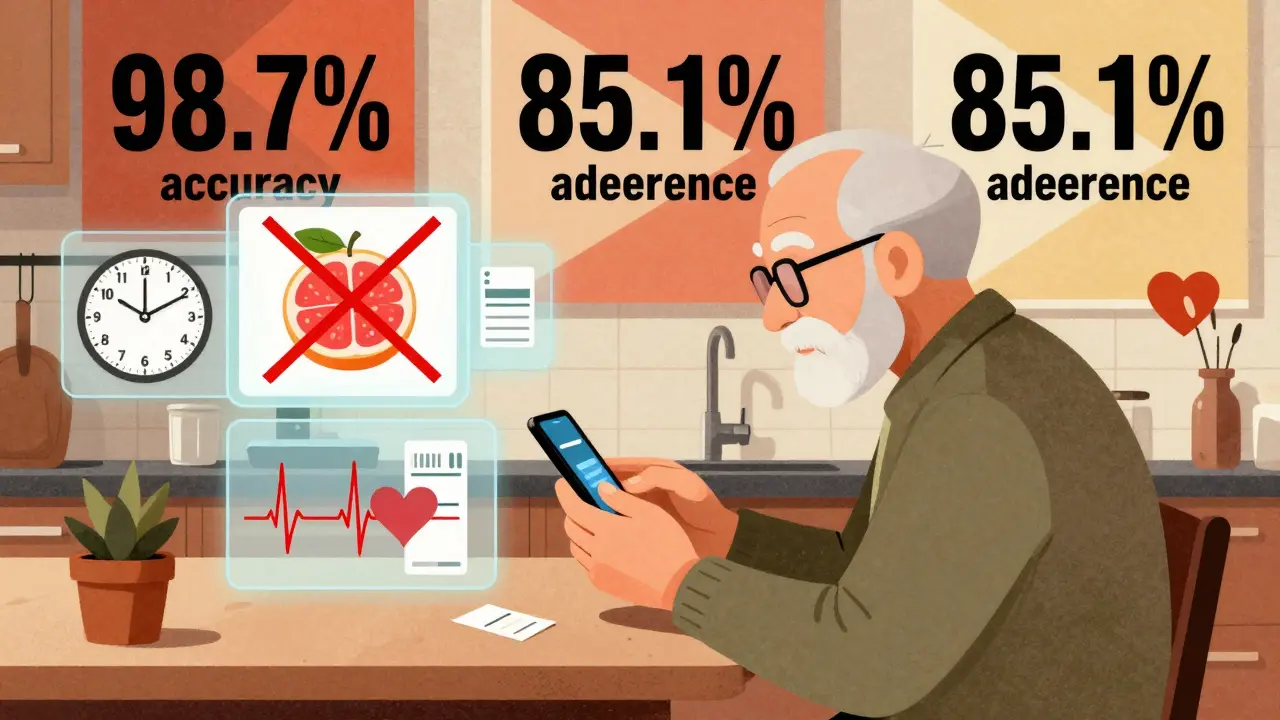
A 2024 study in npj Digital Medicine showed OCR systems now read labels with 98.7% accuracy. That’s better than most people can read their own handwriting.
And it’s not just tech. The Universal Medication Schedule (UMS) framework, developed by researchers at the University of Pittsburgh, standardizes how these systems interpret label data. It defines two critical rules:
- MTCOD (Medication Time Constraint with One Drug): The minimum time between doses of the same drug.
- MTCMD (Medication Time Constraint with Multi-Drug): The required gap between different drugs to avoid harmful interactions.
These aren’t theoretical. They’re built into apps that help over 2.5 million people stay on track.
Real Results: Better Adherence, Fewer Mistakes
When systems use label info correctly, people take their meds more often-and more safely.
A 2023 review in the Journal of the American Medical Informatics Association found that label-aware systems improved adherence by 23.7% compared to basic apps. The best ones hit 82.4% adherence among chronic disease patients. That’s not just a number-it means fewer hospital visits, fewer complications, and more control over your health.
One user on Trustpilot wrote: “The app reads my prescription labels and automatically sets reminders with the correct intervals between my blood pressure meds and diabetes drugs, which my doctor said was critical but I never understood from the paper labels.”
Older adults benefit the most. A 2024 AARP survey of 3,500 seniors found that 76.4% took their meds more consistently when reminders included simple phrases like “take with breakfast” instead of just “7 AM.”
Where These Systems Still Struggle
It’s not perfect. Some labels are written in vague or outdated language. A 2023 study found that 22.4% of generic drug labels use unclear phrasing like “as directed” or “take as needed.” Automated systems can’t always interpret those.
Also, not every change your doctor makes is on the label. Maybe your doctor told you to take your thyroid med at bedtime instead of morning. If your app only reads the label, it’ll remind you at the wrong time.
That’s why the most reliable systems combine label data with your doctor’s instructions. Epic’s MyChart platform, for example, pulls your prescription directly from your electronic health record. That way, even if the label says “take in the morning,” but your doctor changed it to “take at night,” the app knows the truth.
According to a 2024 Health Affairs study, systems that merge label data with physician input achieve 85.1% adherence-the highest rate ever recorded.
What You Can Do Right Now
You don’t need to wait for the perfect app. Start today:
- When you get a new prescription, read the label out loud. Say each instruction to yourself. If you’re unsure, call your pharmacist.
- Use an app that scans labels, not just sets alarms. Medisafe, MyTherapy, and CareZone all have this feature.
- Check for interaction warnings. If your label says “avoid alcohol” or “do not take with calcium,” write it down and keep it near your pillbox.
- Update your reminders if your doctor changes your dose. Don’t assume the app will know.
- Ask your pharmacist: “Are there any hidden rules on this label I should know?”
And if you’re helping an older relative or someone with complex meds, sit with them. Show them how to scan the label. Make sure they understand why “take with food” matters more than “take at 8 AM.”
The Future Is Here-But You Need to Use It
By 2026, Medicare will require all healthcare systems to use reminder tools that accurately reflect prescription labels. That means your doctor’s office, your pharmacy, even your insurance provider will be pushing these systems.
But you don’t have to wait. Right now, apps exist that can turn your cluttered pill bottles into a clear, safe schedule. The tech works. The data proves it. The FDA, WHO, and top medical groups all agree: accurate reminders start with accurate labels.
Don’t let your reminder app guess. Make it read.
Can I just use my phone’s alarm app to remind me to take my pills?
You can, but it’s risky. Basic alarm apps don’t read your prescription label, so they can’t account for critical details like food interactions, minimum dose intervals, or drug conflicts. A 2024 study found that users of simple alarm apps had 63.2% more timing errors than those using label-aware systems. If you’re on multiple medications or have a chronic condition, this could lead to overdose, reduced effectiveness, or dangerous side effects.
What if my prescription label says “take as needed”?
“Take as needed” is vague and can be misleading. It doesn’t mean “whenever you feel like it.” It usually means “take only when symptoms occur, but no more than [X] times per day.” For example, a painkiller labeled “take as needed for pain, up to 4 times daily” should not be taken 6 times just because you feel tired. Use a reminder app that lets you log doses manually and sets max limits based on label instructions. If you’re unsure, ask your pharmacist to clarify.
Do all medication reminder apps scan prescription labels?
No. Only advanced systems like Medisafe, MyTherapy, CareZone, and Epic’s MyChart have label-scanning features. Many popular apps-like Alarmy or Google Calendar reminders-only let you set fixed times. Always check the app’s description for terms like “scan prescription,” “reads label,” or “drug interaction alerts.” If it doesn’t mention label interpretation, it’s not designed for safe, complex regimens.
How accurate are label-scanning apps?
Modern apps using AI-powered OCR (optical character recognition) can read labels with 98.7% accuracy, according to a 2024 study in npj Digital Medicine. However, accuracy drops if the label is faded, handwritten, or uses non-standard phrasing. About 22.4% of generic drug labels contain ambiguous wording, which can confuse even the best apps. Always double-check the app’s interpretation against your physical label. If something looks off, call your pharmacist.
Should I still talk to my doctor if I use a smart reminder app?
Absolutely. Apps rely on what’s printed on the label, but your doctor may have adjusted your schedule based on your body, other conditions, or lab results. For example, your label might say “take in the morning,” but your doctor told you to take it at night because of low blood pressure. If your app doesn’t sync with your electronic health record, it won’t know this change. Always update your app manually when your regimen changes, and review your schedule with your doctor or pharmacist every 3-6 months.




Joseph Charles Colin February 7, 2026
The FDA-mandated label structure is engineered around pharmacokinetic principles-each datum serves a functional purpose in mitigating adverse events. Dosage form dictates bioavailability; for instance, enteric-coated capsules bypass gastric degradation, while sublingual formulations achieve rapid systemic absorption. Active ingredient specificity prevents polypharmacy errors-confusing lisinopril with losartan, for example, can trigger angioedema. The 8-hour dosing interval isn't arbitrary-it aligns with half-life kinetics and trough concentrations. Ignoring food interactions compromises AUC; statins taken without food exhibit 30–50% reduced absorption. Minimum inter-dose intervals prevent Cmax stacking, particularly critical with anticoagulants or CNS depressants. Drug interaction warnings are codified in Lexicomp and Micromedex databases-over 400,000 validated interactions exist. Alarm apps that ignore this metadata are not merely inadequate-they’re actively hazardous.
John Sonnenberg February 9, 2026
People don’t realize how many lives are lost because someone set an alarm for 8 AM and took their blood thinner at midnight because “it’s close enough.” This isn’t a tech problem-it’s a cultural one. We’ve turned healthcare into a checklist. You don’t get to “wing it” with warfarin. You don’t get to “figure it out later.” You don’t get to ignore “take on empty stomach” because you’re hungry. This isn’t advice. This is survival. And if your app can’t handle that? Then it’s not helping. It’s killing you.
Joshua Smith February 11, 2026
I’ve been using Medisafe for my dad’s regimen-he’s on six meds, including warfarin and a beta-blocker. The app caught a conflict between his calcium supplement and his thyroid med that his pharmacist missed. It shifted the timing automatically and sent a notification: “Take levothyroxine 4 hours before calcium.” I had no idea that was a thing. The label just said “take daily.” It’s crazy how much gets lost in translation. I wish more people knew this existed.
Jessica Klaar February 12, 2026
I’m a caregiver for my 82-year-old mom, and I’ve seen firsthand how confusing labels can be. “Take as needed” doesn’t mean “whenever you feel like it”-it means “only if your pain is above 5/10, and no more than three times in 24 hours.” My mom thought she was being good by taking it every time she felt a little achy. The app that scans the label explained it in plain language: “Take only for moderate-to-severe pain, max 3x/day.” That changed everything. She stopped overmedicating. She sleeps better. She’s less confused. It’s not about tech. It’s about clarity. And clarity saves lives.
PAUL MCQUEEN February 14, 2026
So let me get this straight-you’re telling me the solution to medication errors is… more apps? Let me guess: next they’ll tell us to scan our food labels with a QR code before eating. This is classic tech solutionism. The real problem? Doctors don’t explain anything. Pharmacies print labels in 6-point font. Patients are expected to be pharmacologists. The system is broken. A better app won’t fix that. It’ll just make you feel like you’re doing something while the real issue-lack of patient education and regulatory oversight-goes untouched.
glenn mendoza February 16, 2026
It is with profound respect for the sanctity of human health that I acknowledge the extraordinary potential of label-aware medication systems. The integration of optical character recognition with pharmacodynamic databases represents a paradigm shift in patient safety. The empirical evidence presented-98.7% accuracy, 23.7% improvement in adherence-is not merely statistically significant; it is morally imperative. We must advocate for universal adoption of these tools. To do otherwise is to neglect our duty to preserve life. I urge all healthcare institutions to prioritize this technology without delay.
Kathryn Lenn February 17, 2026
Of course the government wants you to scan your pill bottles. What’s next? QR codes on your toothpaste? They’re not helping you-they’re tracking you. Every time you scan a label, your data goes to Big Pharma, then to your insurer, then to your employer. They’ll use it to raise your premiums, deny care, or even label you “non-compliant” and cut your benefits. That 98.7% accuracy? Probably fake. The FDA’s been bought. The NIH? Controlled. This isn’t medicine. It’s surveillance. And if you’re scanning your meds… you’re already part of the experiment.
John Watts February 19, 2026
You’re not alone. I’ve helped my sister set up MyTherapy for her diabetes and hypertension meds, and honestly? It’s been life-changing. She used to forget half her pills. Now, the app tells her: “Take metformin after breakfast” and “Don’t take lisinopril with potassium-rich foods.” She says it feels like having a nurse in her pocket. If you’re struggling, don’t wait. Download one today. Talk to your pharmacist. Ask them to show you how to use it. You’re not weak for needing help-you’re smart for using it. Your health matters. And there’s tech that can help you protect it.
Randy Harkins February 19, 2026
I’ve been using CareZone for over a year, and I can’t believe I ever relied on alarms. It automatically synced with my pharmacy’s e-script, scanned my labels, and created a personalized schedule with color-coded alerts. It even warned me that my OTC cold medicine contained acetaminophen-same as my painkiller. I almost doubled up. That’s not a feature. That’s a lifesaver. And the fact that it lets me share access with my daughter? Genius. She gets alerts if I miss a dose. No more panic calls. Just peace of mind. If you’re not using a label-aware app yet, you’re playing Russian roulette with your health.
Chima Ifeanyi February 19, 2026
Let’s deconstruct this. You’re advocating for OCR-based medication systems as if they’re neutral tools. But let’s be real: the algorithm is trained on proprietary databases controlled by pharmaceutical conglomerates. The ‘interaction rules’? They’re curated to favor patent-protected combinations. Generic alternatives? Often excluded or flagged as ‘high risk’ despite clinical equivalence. The UMS framework? A corporate standard disguised as public health. You think this is about safety? It’s about market control. And you’re willingly handing over your pharmacokinetic data to the very entities that profit from your dependency. Wake up.
Tori Thenazi February 21, 2026
Okay, but what if the app scans the label wrong? What if it misreads “10 mg” as “100 mg”? What if it thinks “take every 8 hours” means “take 3 times a day” and ignores the 2-hour window? What if the camera glitches in low light? What if the app updates and deletes your custom settings? What if your phone dies? What if the cloud server gets hacked? What if your insurance company uses your adherence data to cancel your policy? One error. One glitch. One hacked server. And you’re dead. And no one’s accountable. No one’s liable. Just another “user error.”
Elan Ricarte February 22, 2026
Look, I get it. You wanna feel smart by scanning your pills like you’re Tony Stark. But let’s be real-half the labels are handwritten by interns who can’t spell. “Take qid” means what? “Take with food”? “Take at 4”? “Take with a drink”? I’ve seen labels that look like a toddler drew them. And now you’re trusting a phone to read that? Meanwhile, the pharmacist who wrote it? They’re long gone. The system is a house of cards built on bad handwriting and bad tech. And you’re the sucker holding the stack.
Monica Warnick February 23, 2026
I used to rely on my phone’s alarm. Now I use Medisafe. It doesn’t just remind me-it explains why. “Take this with food to avoid nausea.” “Don’t take this with grapefruit-it can stop your liver from breaking it down.” I didn’t know any of that. My doctor never told me. The label didn’t say it clearly. But the app did. And now I don’t panic when I miss a dose. I just check the app. It tells me what to do. Simple. Smart. Life-saving.
Ashlyn Ellison February 25, 2026
Just scan the label. Use the app. Done.